
Pick the format and price
Ebook, paperback or hardcover. Enter the list price you are considering — the calculator shows what reaches you after the store’s share.
Printing cost, minimum list price and what actually reaches you per sale — for ebook, paperback and hardcover, with a price ladder so you can see where the royalty curve turns.
Step one
Format, price and print specs
US store rates, 6×9 print. Other marketplaces and trim sizes use their own table — override the printing cost with the quote KDP shows for your book.
Ebook, paperback or hardcover. Enter the list price you are considering — the calculator shows what reaches you after the store’s share.
Page count and ink decide the printing cost. For an ebook, file size decides the delivery fee on the 70% plan.
The ladder shows the royalty at nearby prices, so you can see where a small price change stops helping and starts hurting the sale.
A $14.99 paperback does not pay $8.99. Printing cost comes out first, and on a long book it can take most of the royalty. The calculator shows the number before you build the cover.
Page count and ink set a hard floor: below it, every sale loses money. Knowing the floor stops a pricing decision that cannot work.
An ebook at $9.99 takes the 70% plan; at $10.99 it drops to 35%. The same book earns less at the higher price, which is the kind of mistake the ladder exposes.
Page count decides print cost. If the royalty is too thin, the fix is a shorter book or a different trim and ink — cheaper to decide before the PDF is exported.
Run both formats at the same price. The difference is usually larger than expected, and it decides whether print is a marketing asset or the actual product.
Check the ladder before repricing. A price cut can drop the 70% plan or fall under the print minimum, and both changes are invisible until the first royalty report.
The calculator applies the 60% print rule and both ebook plans automatically, including the delivery fee and the 70% price band.
Page count, ink and file size are inputs rather than fine print. Change one and the royalty, the minimum price and the ladder all update.
No account and no request. The rates are the published US table, and the printing cost can be overridden with the quote KDP shows for your marketplace.
No. Printing cost and royalty are arithmetic from KDP’s published table; an AI would only add a second layer of estimation. The calculator stays free and exact so you can check a price without an account or a credit.
Print books pay a 60% royalty on the list price, minus the printing cost. Ebooks pay 70% inside the $2.99–$9.99 band (minus file delivery in some marketplaces) and 35% outside it.
It uses KDP’s published US printing table for 6×9 books and the standard royalty rates. Other marketplaces use their own printing costs, and trim sizes change the fixed cost — override the printing cost with the quote KDP shows for your book.
For US paperbacks, black ink is a flat cost for books up to 108 pages, then a fixed cost plus a per-page rate. Color ink adds more per page. The calculator shows the number the current page count produces.
For print, the list price has to cover the printing cost and still pay the 60% royalty. That means the minimum is the printing cost divided by 0.6 — the calculator shows the exact figure for your page count and ink.
Two reasons. A price outside $2.99–$9.99 drops the royalty to 35%. Inside the band, the 70% plan also subtracts a delivery fee based on file size, which is why a large illustrated ebook earns less per sale.
Only on the 70% ebook plan in some marketplaces, including the US, where it is charged per megabyte. The 35% plan does not charge delivery. The calculator subtracts it automatically when the 70% plan applies.
The royalty rate is the same 60%, but the printing cost is higher — a fixed hardcover cost plus a per-page rate. The calculator switches to the hardcover table when you choose that format.
Reduce the printing cost: fewer pages, a smaller trim size or black ink instead of color. The price ladder shows what each nearby price pays, so you can see whether a dollar more actually reaches you.
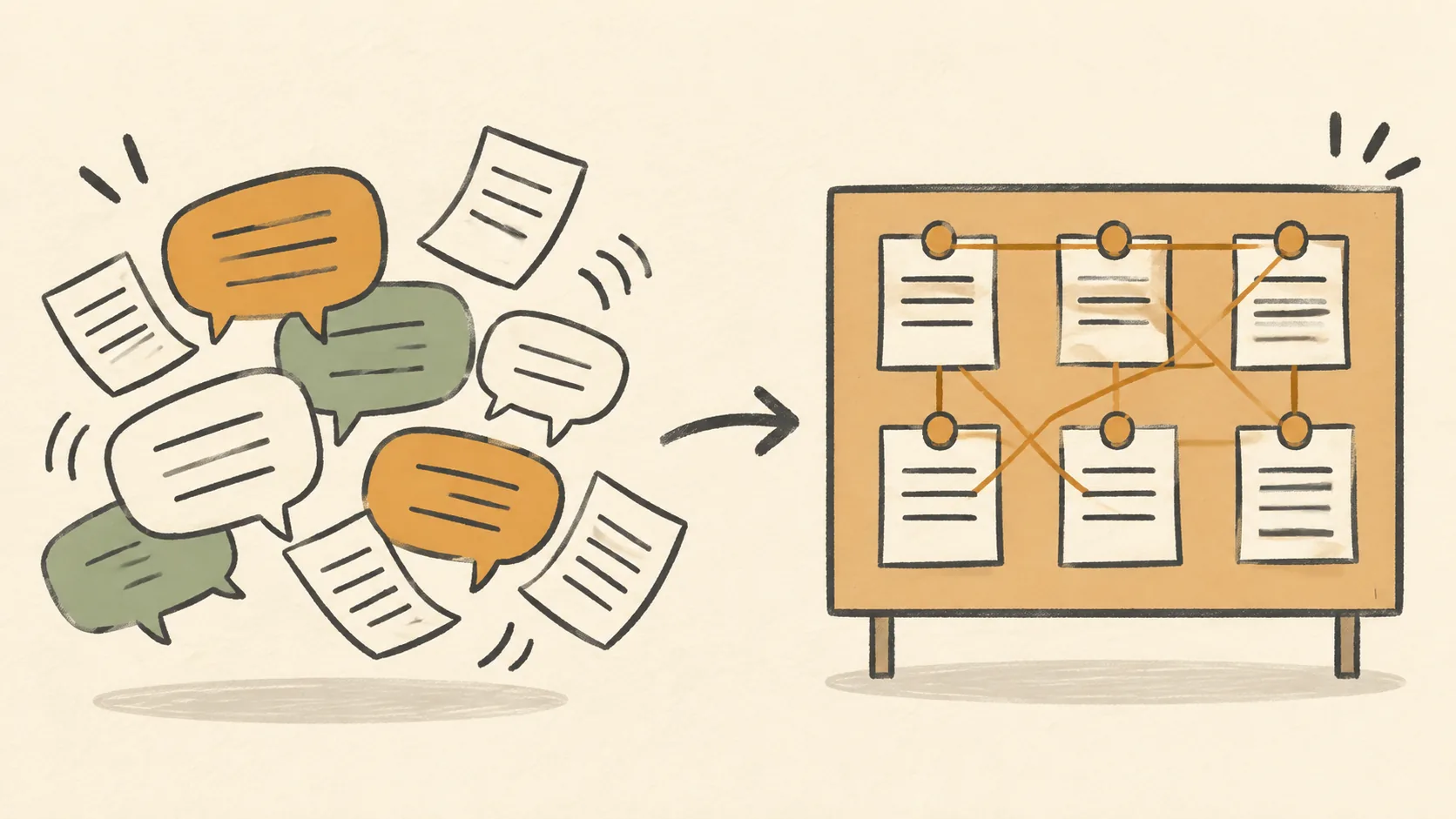
A chat window keeps a conversation. A book needs a plan, a set of facts it cannot contradict, a record of what has been covered, and a file at the end. That is a different object.
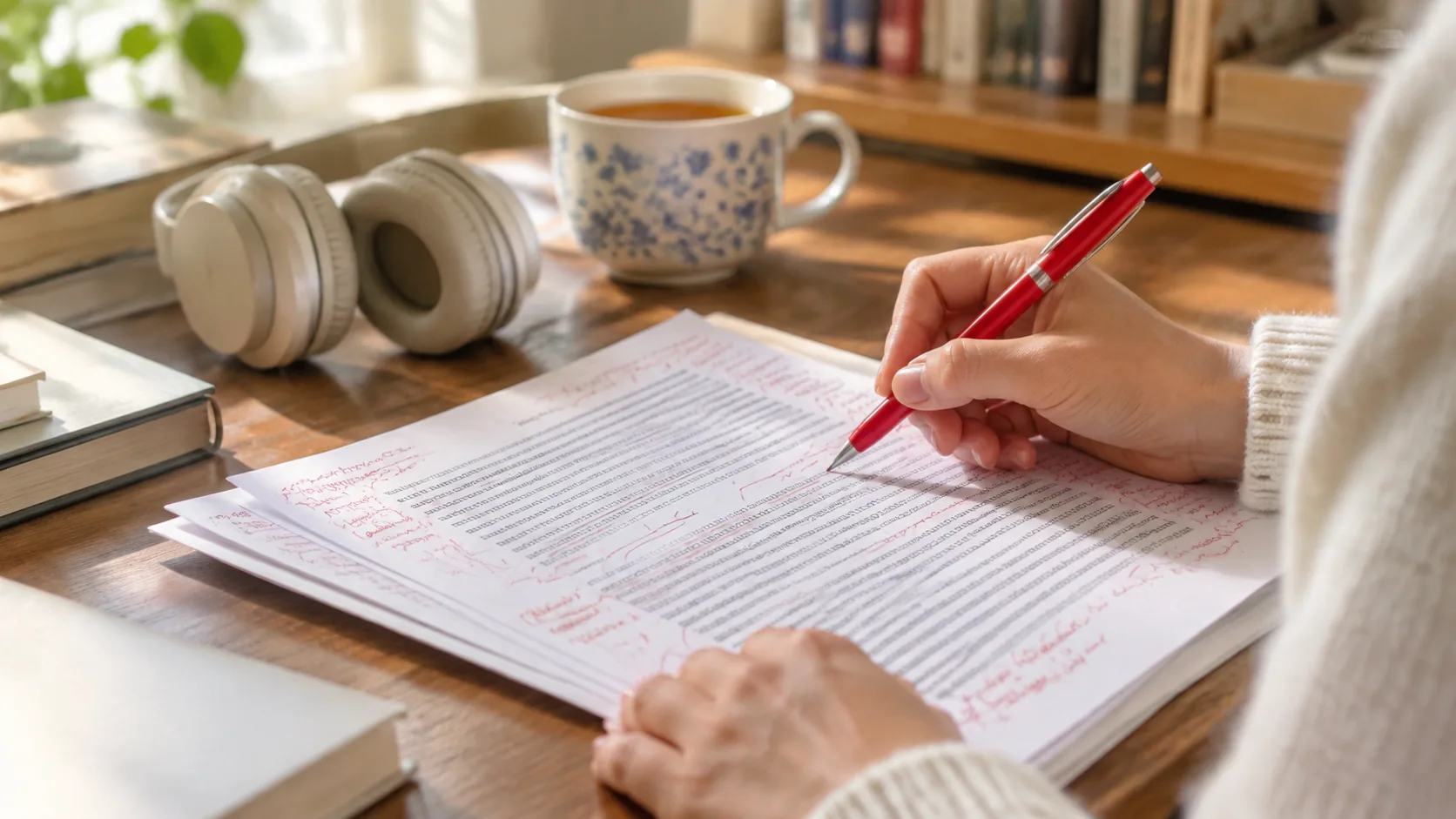
Editing is four jobs, and AI is only good at two of them. Knowing which two is the difference between a cleaner manuscript and a flattened one.
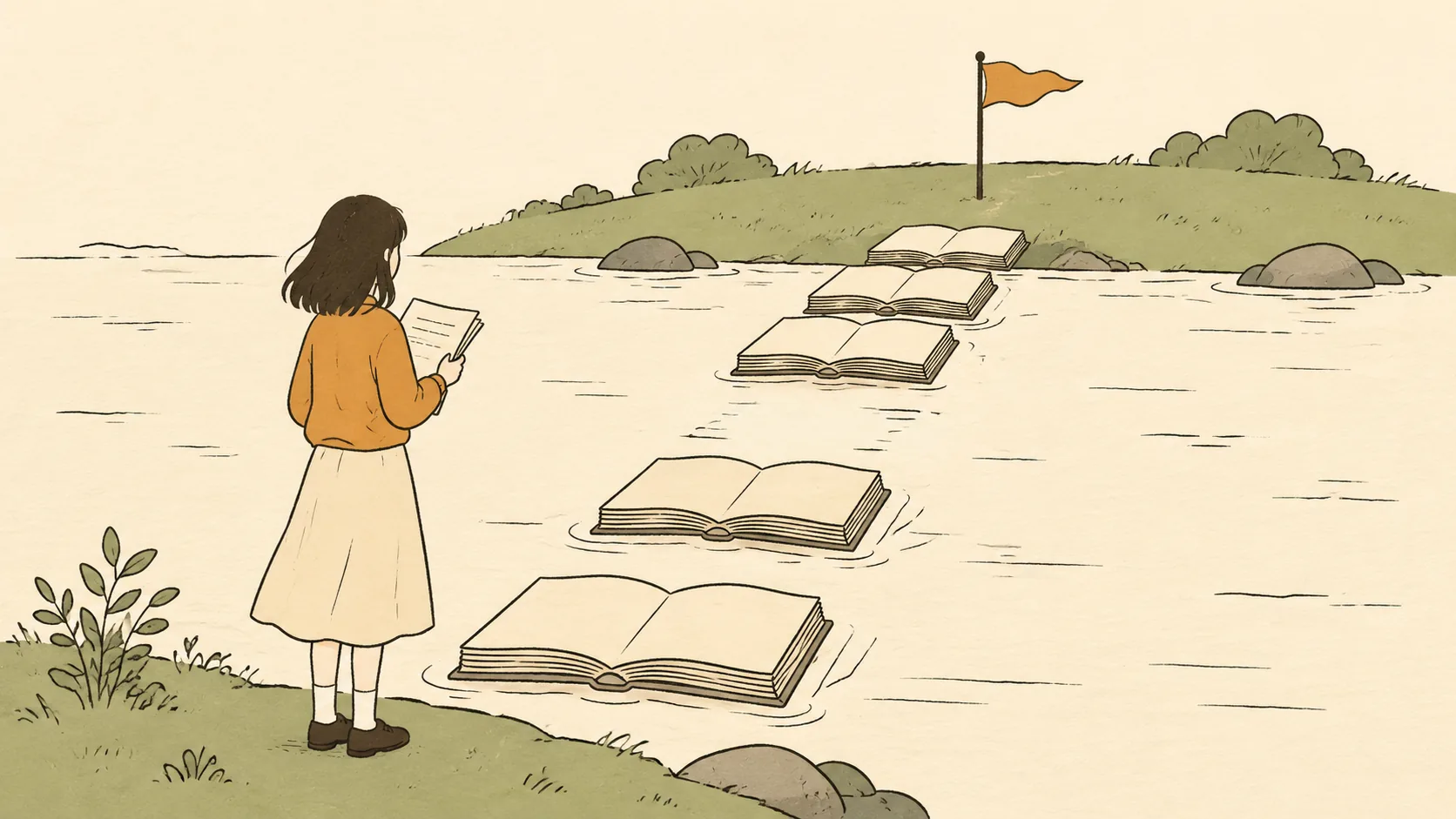
Demo prose tells you almost nothing. What separates the tools is whether the book survives contact with chapter ten, and whether you can see the bill coming.