
Name the reader and the problem
One line each. “People whose anxiety peaks at 3 a.m.” and “night-time anxiety that no advice seems to reach” are enough to anchor the whole description.
Four facts in, three store-ready descriptions out: reader problem, promise, what is inside, and who the book is for. Edit the sentence you would skip, not the whole page.
Step one
Four facts, then the text
The description on a store page answers four questions in order: does this know my problem, what will I get, what is inside, and is it for me. Fill those in and the tool writes the sequence.
Free draft runs in your browser. AI draft writes a sharper pass in one go and costs 1 credit per run.
One line each. “People whose anxiety peaks at 3 a.m.” and “night-time anxiety that no advice seems to reach” are enough to anchor the whole description.
The outcome is the last page of the sales argument. The takeaways are the proof: four specific things the reader will find, not four adjectives.
Three structures are returned: problem-first, outcome-first and problem-led. Choose the one that matches the shelf, then remove the sentence you would skip as a reader.
A buyer who reaches the description has already clicked. The blurb is the only place on the product page where the book can make its case in full sentences.
“Unputdownable” sells nothing. Problem, promise, proof, audience — in that order — is what makes a reader recognise themselves and click “Look inside”.
Most of the description is hidden behind “Read more”. The opening has to name a problem the reader is already thinking about, or the rest is never read.
Writing the blurb early exposes whether the promise holds. If the description sounds thin, the book probably is too.
A cover gets the click; the description gets the sale. If the click-through is fine and the conversion is not, rewrite the first two paragraphs first.
Write the first description properly, then vary only the outcome line per book. The series reads as a coherent shelf instead of unrelated titles.
The same inputs produce a problem-first, outcome-first and problem-led version, so you can compare strategies without rewriting from scratch.
A live character count against the 4,000-character limit, plain text that pastes cleanly, and a note on where the description sits relative to keywords and A+ content.
Nothing is sent anywhere. The tool is useful before you have signed up, which is exactly when most writers are trying to decide whether a book idea is worth writing.
The free draft runs in the browser with no account and no request to a server. The AI draft needs an account and costs one credit per run; it writes a sharper pass over the same facts, and the credit is refunded if generation fails.
The field accepts up to 4,000 characters, but the useful length is usually 900–1,500. The first 200 characters matter most: that is what shows above “Read more” on the product page. The tool counts characters for you.
The free draft assembles the three structures locally from the facts you enter, so you can see exactly which sentence came from which input. The AI draft sends those same facts to a model for a sharper pass; it needs an account and costs one credit, refunded if generation fails.
On the Amazon product page under the book cover, and anywhere your store distributor syndicates the metadata. It is separate from the A+ content block and from the seven keyword slots.
The description is the book talking, not the author, so third person is the default for practical books. First person works for memoir and for very personal guides, where the author’s experience is the reason to buy.
KDP supports limited HTML in the description editor, including bold and line breaks. Start with plain text from the tool; add formatting only after the words are right, because formatting cannot rescue a vague promise.
Name the reader’s problem in their own words. Not the book’s theme, not the author’s credentials — the thing the reader would type into the search box if they knew the words. The tool writes that line from your “reader problem” field.
The seven keyword slots and two categories. The description sells the click; the keywords decide whether the listing appears in the search at all. Run the keyword finder before publishing.
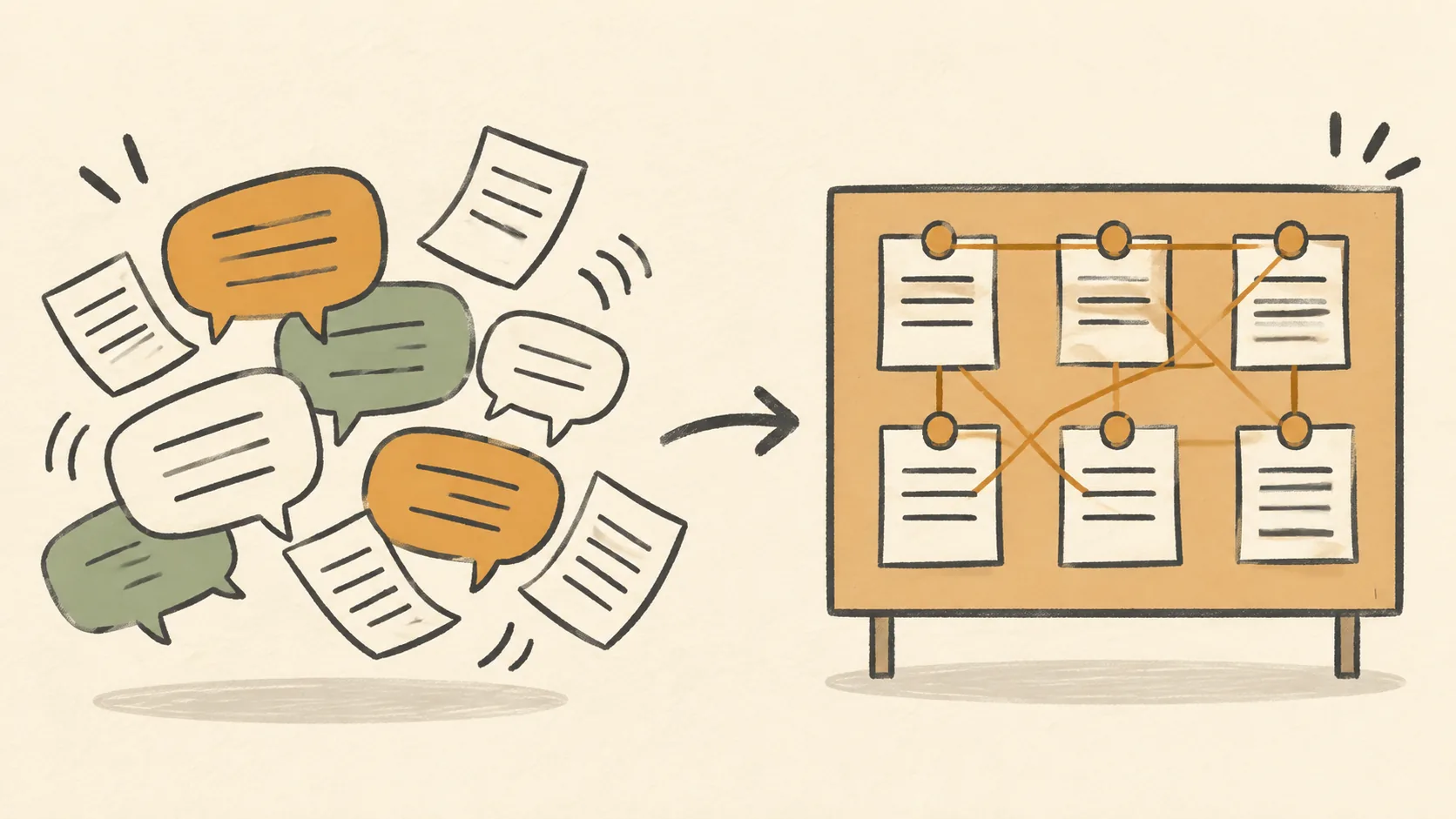
A chat window keeps a conversation. A book needs a plan, a set of facts it cannot contradict, a record of what has been covered, and a file at the end. That is a different object.

A generator can produce a competent draft in an afternoon. It cannot produce your cases, your numbers, your taste, or the decision about what the book is willing to say.

Most writing assistants are good at producing text and bad at the things a book actually needs: your material, a straight memory, and the nerve to stop.