
Describe the work, not the résumé
Write what you do as a verb phrase — “teaches”, “helps”, “writes”. The tool turns it into both a third-person author page and a first-person back matter.
Who you help, what you do, and one proof point — written as a short, medium and long bio in both the third person a store asks for and the first person a reader meets at the back of the book.
Step one
Who you help, and what you do for them
A usable bio is one specific sentence plus proof. Write the verb phrase the way it reads after your name — “teaches”, “helps”, “writes” — and the tool handles the first-person version.
Free draft runs in your browser. AI draft writes the same three lengths with sharper sentences and costs 1 credit per run.
Write what you do as a verb phrase — “teaches”, “helps”, “writes”. The tool turns it into both a third-person author page and a first-person back matter.
Years in the field, a publication, a result for a reader. One is enough. The generator places it after the promise so the bio earns the credential instead of leading with it.
Short for the back page, medium for the author page, long for a press kit. Keep the one human detail; it is the sentence readers remember.
On a practical book, readers check the author before they buy. A bio that names the reader’s problem in the first sentence does more for the sale than a list of degrees.
Where you studied matters less than what you can help the reader do. The generator is built around that order, so the credential supports the promise instead of replacing it.
Author page, back matter, A+ block and byline each want a different length. Starting from one set of facts keeps the story consistent across all four.
The author page is required, and the back page is where readers decide whether to look for your next book. Write both before launch, not after.
The bio that sold a cookbook may not sell a business guide. Keep the human detail, rewrite the promise for the new shelf.
The one-line bio is the version a host reads aloud. The long version fills the About page; both come from the same short, specific promise.
Third person for the store, first person for the book, plus a one-liner for bylines — all generated from the facts you enter, all editable.
The tool runs entirely in the browser and stores nothing. It is useful before sign-up, which is exactly when a first-time author is drafting the manuscript.
Every sentence is about the reader and the work. There is no “passionate about storytelling” filler, because filler is what makes a bio forgettable.
The free draft runs in the browser with no account and no server request. The AI draft needs an account and costs one credit per run; it uses the same facts with sharper sentences, and the credit is refunded if generation fails.
Around 50 words for back matter, 100 for the KDP author page and 180 for a press page or an About section. The tool returns a short, medium and long version plus a one-line bio for bylines.
The KDP author page and A+ content are usually third person; the last page of the book is often first person. Both are generated from the same facts, so the voice changes but the promise does not.
One proof point is enough — a job, a number of years, a publication, a result. A list of credentials reads as a résumé; the reader is looking for a reason to trust the book, not a CV.
The free draft arranges the phrases you enter into the sentence order a short bio uses — who you are, what you do, who it is for, one proof point, one human detail. The AI draft sends the same facts to a model for sharper sentences; it needs an account and costs one credit, refunded if generation fails.
The KDP author page, the back matter of the book, A+ content, a press kit, and social profiles. Each field expects a different length, which is why the tool produces three.
On the author page and back matter, yes — one link, one action. The generator leaves the closing line out on purpose; add the link yourself so it stays specific to the store you publish on.
Write about the work, not the book. “Teaches busy parents how to cook a week of dinners from one shop” is a stronger first sentence than “first-time author” — and it is still true before the book exists.
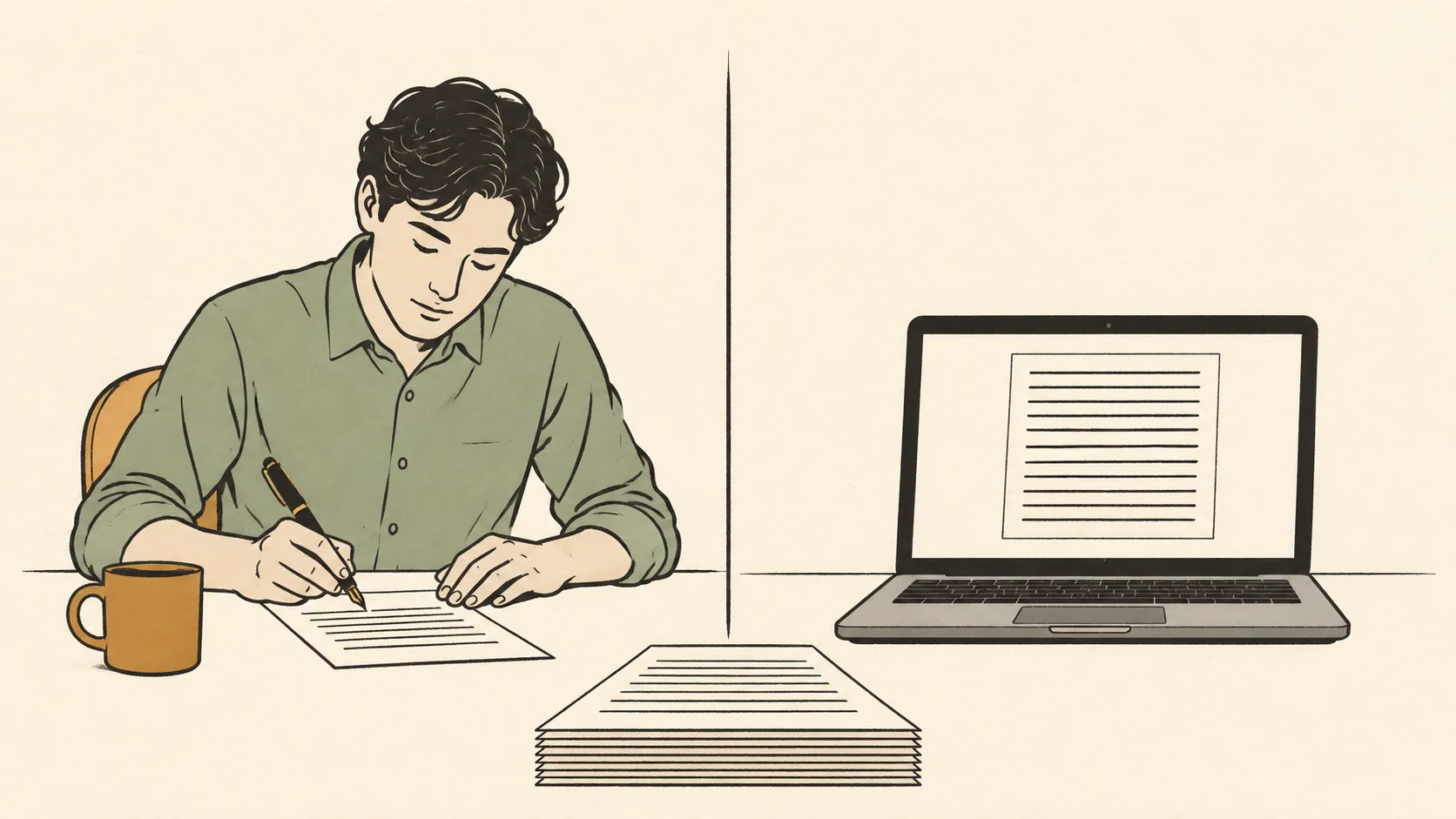
The question is not which one writes better sentences. It is which parts of the job you are actually buying, and which parts stay with you either way.
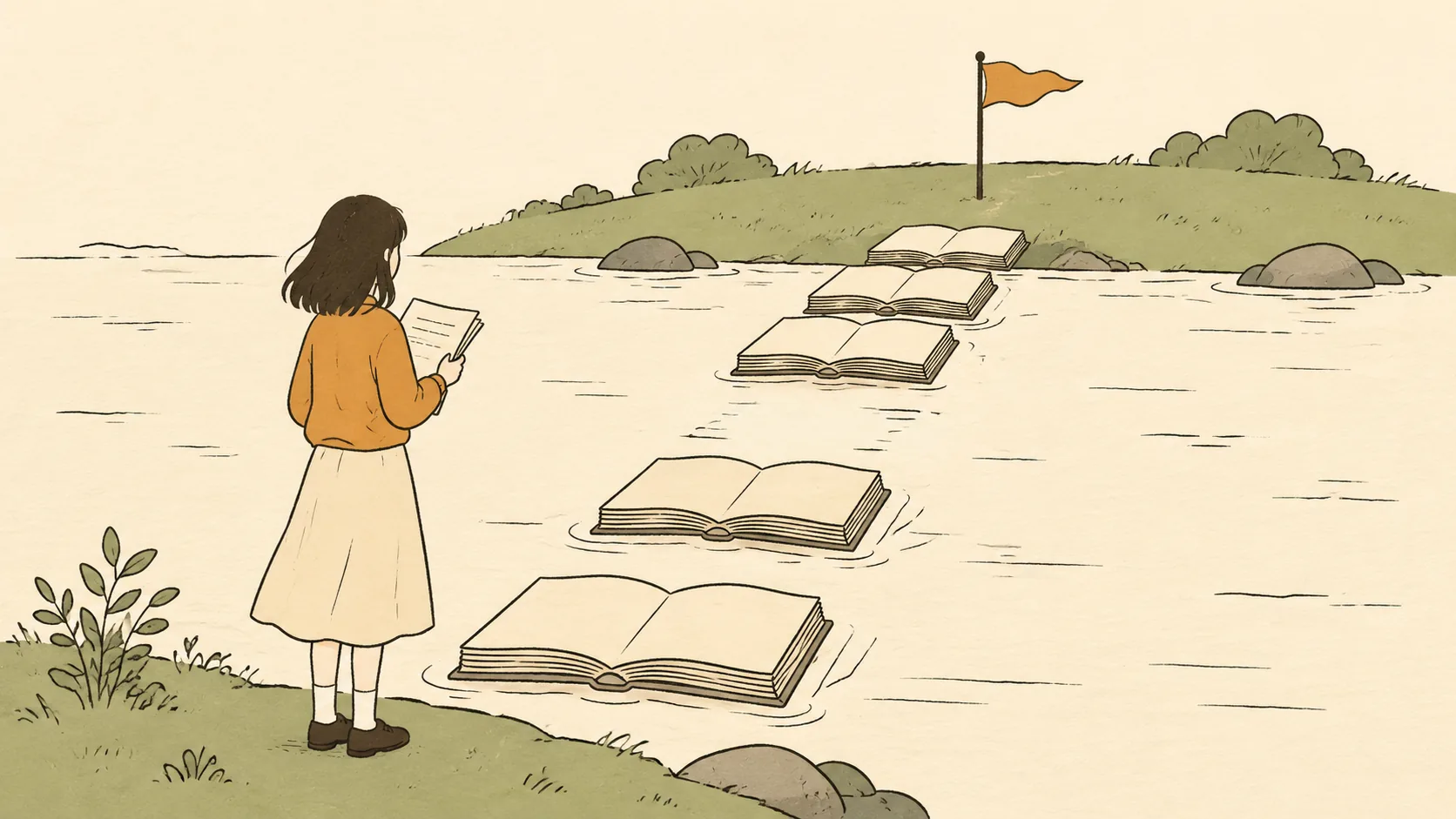
Demo prose tells you almost nothing. What separates the tools is whether the book survives contact with chapter ten, and whether you can see the bill coming.

Most AI tools lists grow because they are written for clicks. This one shrinks, because a book only asks a handful of things of you.