
AI lesson plans in ten seconds: what to check before you use them
AI can draft the lesson plan, the quiz and the feedback in seconds. Here is what has to be true before a teacher can actually hand it to a class.
A lesson plan is not a document. It is a set of decisions: what the students will be able to do by the end, in what order they will practise it, what happens when half the class is still stuck, and how you will know within five minutes whether it worked.
AI can now draft all of that in about ten seconds. The question that decides whether it saves you time is narrower: does the draft contain the decisions, or does it contain prose that looks like decisions?
This guide sets out what a usable AI lesson plan has to include, what to check before you teach from one, and where the tools reliably fall short.
What a usable lesson plan has to contain
Most generated plans fail on completeness rather than on prose. Before you read the content, check that these six elements exist.
- The standard, cited. A plan that does not name the anchor standard is a generic activity, and you will spend the time you saved re-aligning it.
- A measurable objective. "Students will understand fractions" is not teachable or assessable. "Students will place three fractions on a number line with correct ordering" is.
- A timed sequence. Ten minutes of hook, twenty of guided practice, fifteen of independent work, five of exit ticket. If the timing is missing, you have a list of activities, not a lesson.
- Differentiation. What the student who finishes in six minutes does, and what the student who needs a scaffold gets. Generated plans often skip this because it is the hardest part.
- Materials. Printable or listed, not implied.
- An exit ticket. One question you can mark in a minute that tells you whether to move on.
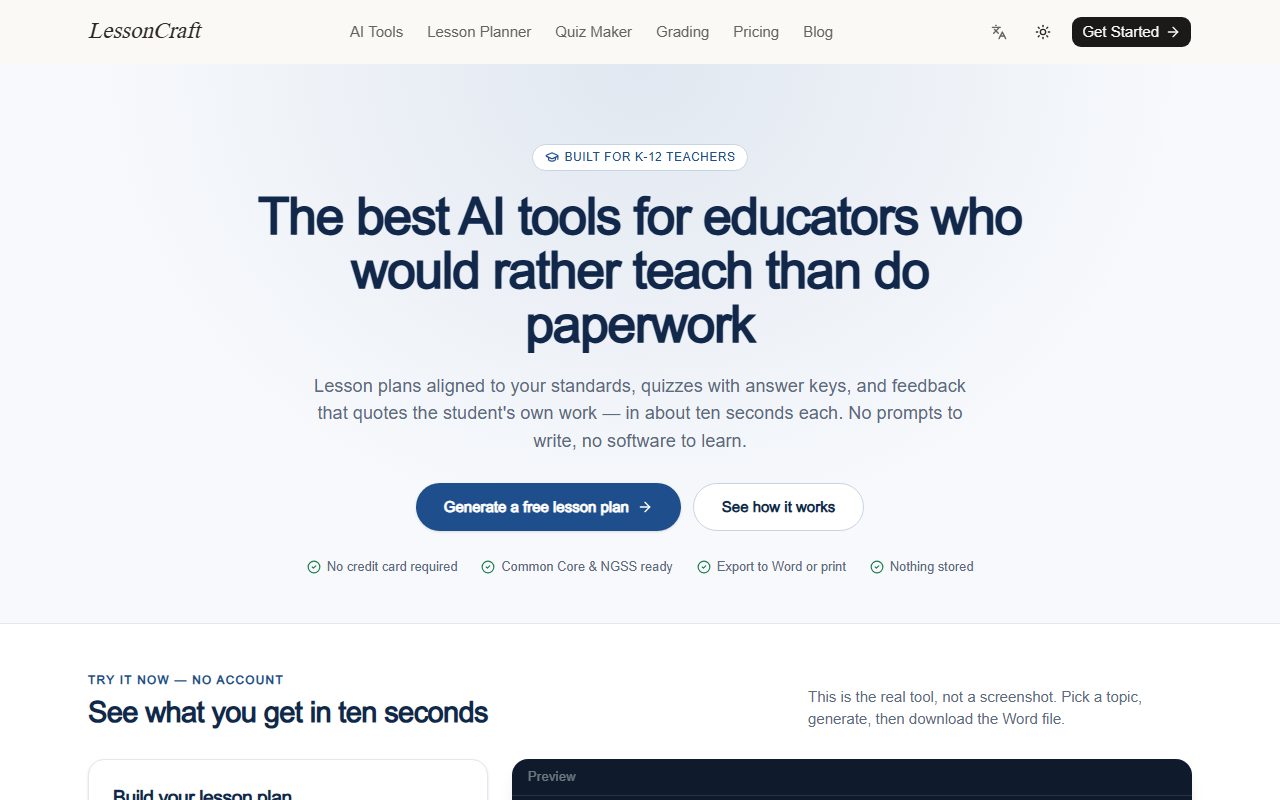
LessonCraft is built around exactly this checklist: grade, subject, topic and duration in, and objectives, a timed sequence, differentiation, materials and an exit ticket out, with the anchor standard cited. The framework is selectable across Common Core, NGSS, TEKS, Florida BEST, the UK and Australian curricula, IB and AP.
The quiz has one requirement most tools miss
A quiz is only useful to a teacher if the answer key is separable from the questions. If the answers sit under each question, you cannot hand the page out.
The format also has to match the purpose. Multiple choice is quick to mark and shallow to diagnose. Short answer shows reasoning and takes an evening. Fill in the blank sits in between. A generator that only produces one format forces you to rebuild the part you actually needed.
Check three things before printing: does the key print on its own page, does the difficulty mix match the class, and does each distractor represent a real misconception rather than a random wrong number. That last one is where generated quizzes are weakest, and it is also what makes a quiz diagnostic instead of decorative.
Feedback that quotes the student's own work
The grading assistant is the part teachers are most suspicious of, for good reason: generic praise is worse than no feedback, because it teaches students that feedback is noise.
The test is mechanical. Paste a rubric and a student response, and check whether the output quotes the student's own words back. Feedback that says "good use of evidence" is worthless. Feedback that says "your second paragraph claims the author is biased but quotes only one line — find a second example" is usable, and it is only possible if the tool is reading the response rather than the rubric.
The grading tool is built to quote the student's words, name what worked, and state what to fix next. That structure matters more than the tone.
Privacy: the question to ask first
Student work is not your content to upload casually. Before pasting a response into any tool, you need a clear answer to: is this stored, is it used for training, and how do I delete it?
LessonCraft states that responses pasted into the grading tool are sent to the model, graded and discarded — not stored, not trained on. Whether that is enough for your institution is a policy question, not a technical one, and the safe default is to strip names before pasting until your school says otherwise.
Where these tools fall short
Three honest limitations, from the tool's own design constraints.
Context the model cannot see. Your class, your pacing, the student who has been away for a week. A generated plan knows the grade and the topic, not the room.
Assessment alignment. A standard can be cited correctly and assessed badly. The objective, the practice and the exit ticket have to test the same thing, and checking that is still a teacher's job.
Subject-specific accuracy. In maths and science, verify every worked example and every number. Fluency is not correctness, and this is the one failure mode with real consequences.
FAQ
Do AI lesson plans actually cite real standards?
They can, if the tool asks you to choose the framework and then anchors the objectives to the standard you picked. Verify the citation once for your grade and subject — if the codes do not match your curriculum documents, stop using that tool for planning.
Can I edit the output?
You should. Every result downloads as .docx, prints letter-size, or copies as markdown for Google Docs or your LMS, so the workflow ends in a document you own rather than a chat transcript you have to retype.
Is student work stored?
On LessonCraft, no — responses are graded and discarded rather than stored or used for training. Check the same question for any other tool, and check your school's policy before pasting anything identifiable.
How much does it cost?
Free to start with no credit card. If the monthly cap gets in the way, it is a flat subscription rather than a per-seat district licence — see the pricing details.
The takeaway
An AI lesson plan is worth using when it contains the decisions — the standard, the measurable objective, the timing, the differentiation, the exit ticket — and when the quiz key and the feedback are structurally usable. Check those six elements in the first minute, verify the subject accuracy, and the ten seconds saved is real rather than borrowed.
Keep reading
Stop asking a chatbot: ten jobs that want a score, not a paragraph
For repeatable judgments, a fixed scoring dashboard beats a chat reply. Here are ten tasks where consistency matters more than flexibility, and how the scoring approach works.
How to keep the same face across AI images (and when it still fails)
A practical workflow for consistent character generation — how reference-based identity works, what breaks it, and the prompt habits that keep a face stable across scenes.