
EducationVisited & tested
LessonCraft
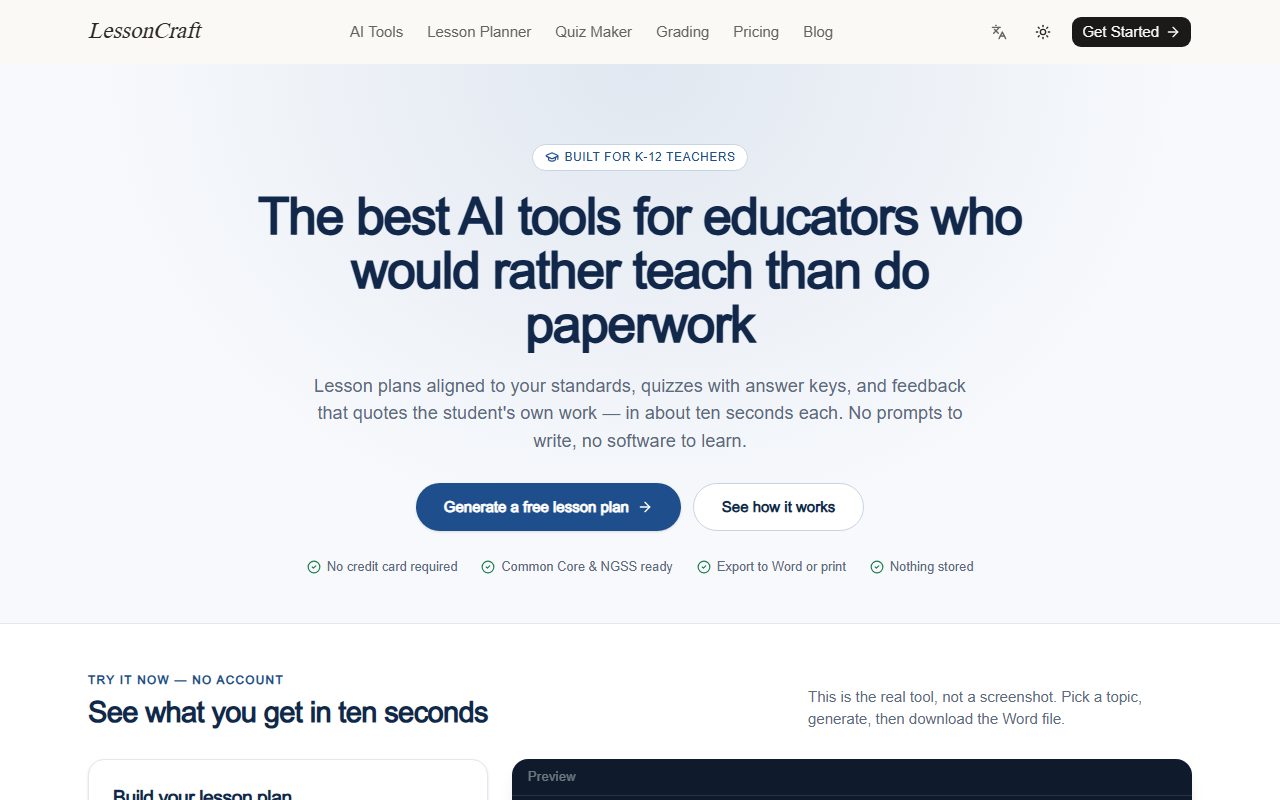
LessonCraft — standards-aligned lesson plans, quizzes and student feedback in about ten seconds
teacher.musepics.com
What it is
Three tools that eat the paperwork around teaching: standards-aligned lesson plans with a timed sequence and differentiation, quizzes with the answer key on its own page, and rubric-based feedback that quotes the student’s own words. Every result downloads as .docx, prints letter-size, or copies as markdown for Google Docs.
What it does well
- Lesson plans cite the anchor standard and include objectives, a timed sequence, differentiation, materials and an exit ticket
- Quizzes in four formats — multiple choice, short answer, true/false, fill-in-the-blank — with a separate answer key
- Feedback quotes the student’s own work, names what worked and says exactly what to fix next
- Common Core, NGSS, TEKS, Florida BEST, UK, Australian, IB or AP alignment
- Student responses are graded and discarded, not stored or trained on
Who it is for
- — Weekly lesson planning without starting from a blank page
- — Building a quiz and answer key in the same sitting
- — Rubric feedback at class scale instead of essay scale
- — Emergency sub plans that still cite a standard
Pricing
Free tierFree to start, no credit card. $12 a month or $84 a year if the free monthly cap gets in the way.
LessonCraft pricingAlternatives
- MagicSchool
The widest catalogue of teacher prompts; breadth over depth in any single output.
- Brisk Teaching
Browser extension that works inside existing docs and LMS pages.
Questions
Do the lesson plans cite real standards?
- You pick the framework — Common Core, NGSS, TEKS, Florida BEST, UK, Australian, IB or AP — and the anchor standard drives the objectives and the assessment.
Is student work stored?
- No. Responses pasted into the grading tool are sent to the model, graded and discarded; nothing is used for training.
Can I edit the output?
- Yes. Everything exports to .docx, prints letter-size, or copies as markdown for Google Docs and your LMS.
How much does it cost?
- Free to start with no credit card; $12 a month or $84 a year if you hit the free cap.