
Type the words that matter
Title is required; subtitle and author name are optional but both reduce the model’s guessing about the genre.
Type the title, the subtitle and one line of direction. The model draws the artwork and the typography together, in the 2:3 shape the store thumbnail uses.
Each cover costs 40 credits and is stored in your account, so the tool needs a signed-in session.
Title is required; subtitle and author name are optional but both reduce the model’s guessing about the genre.
A single line of visual direction — an object, a time of day, a colour. The style preset handles the rest of the look.
Judge the preview at thumbnail size. If the title cannot be read at a glance, regenerate instead of uploading.
Store search shows the cover at roughly 200 pixels wide. A cover designed on a full screen often loses its title at that size.
A separate overlay usually ignores the artwork underneath. Asking for the type inside the image lets the two share one composition.
40 credits per attempt beats a $300 commission for a first draft, and a template shows the same shelf to every competitor.
You have the manuscript and the blurb but no cover yet. Generate three directions, pick the one that survives a thumbnail test.
The old cover converts poorly after a price change. Keep the title, change the direction, compare the click-through.
Run the same style preset across the series and vary only the direction line, so the shelf reads as one set.
No layers, fonts or export settings. The form collects words and returns a file you can download.
The file is copied into our storage before the response, so the download link does not expire when the model provider rotates URLs.
The writing flow and this tool share one gateway and one model, which keeps a catalogue consistent across books.
One image file: the artwork and the title typography drawn together by the model. It is not a layered template you edit afterwards — if the title placement is wrong, the fix is a new prompt, not a drag.
The store thumbnail is the first thing a buyer sees, and a cover with the title as a separate overlay often looks bolted on. Asking the model to draw the type lets it pick a size and placement that fits the artwork.
The store thumbnail is 2:3 portrait; the 2:3 preset here matches it. A 1.6:1 file is a different requirement — that is the store-format step in the writing flow, not this generator.
The image is yours to use, but check the store’s file rules before uploading: minimum pixel size, JPEG or TIFF, and no embedded price or review badges. The prompt already excludes badges, stickers and mockups.
No. This tool starts from the words on the cover and a line of direction, so it works before the book exists. If you do have a manuscript, the writing flow’s cover dialog builds the prompt from the book itself.
One concrete subject plus the mood: “a window at 3 a.m. with a thin golden arc of steps toward dawn” beats “something about sleep”. The field is optional — leave it blank and the model works from the title and genre feel of the subtitle.
For a first book, usually yes — it is how a reader finds the second one. The author field places it at the bottom. If you are still using a pen name, this is the cheap place to test one.
One every three seconds, per account. Each generation costs 40 credits, and a failed generation is refunded automatically.
On our storage, and the preview link points at our domain. The model provider’s temporary URL is downloaded once and never emitted to the browser.
Image models still garble long titles. Short titles, one line of subtitle and a restrained style are the reliable combination; a five-word title with a colon is where they slip.
Not image-to-image yet. Keep the title and style, change the visual direction, and generate again — that is the cheapest way to move the composition without losing the typography.
Yes. The cover dialog inside a book and this tool call the same gateway and the same model, so a cover generated here and one generated there look like the same publisher.
Generic comes from generic direction. Name a single object, a time of day, or a colour that belongs to this book; the style presets are the frame, the direction is the picture.
Covers yes, diagrams no. Typography-driven non-fiction covers (big title, one icon, flat palette) work well; anything that needs accurate labels belongs in the illustration tool inside the editor.
The generator returns the raw model output, typically 1024 × 1536. The writing flow’s “Make the store file” step resizes to 1600 × 2560; if the cover belongs to a book, generate it there.
The interesting question is not whether the prose is pleasant. It is whether the prose obeys: a point of view, a tense, a rule, a fact, an ending.
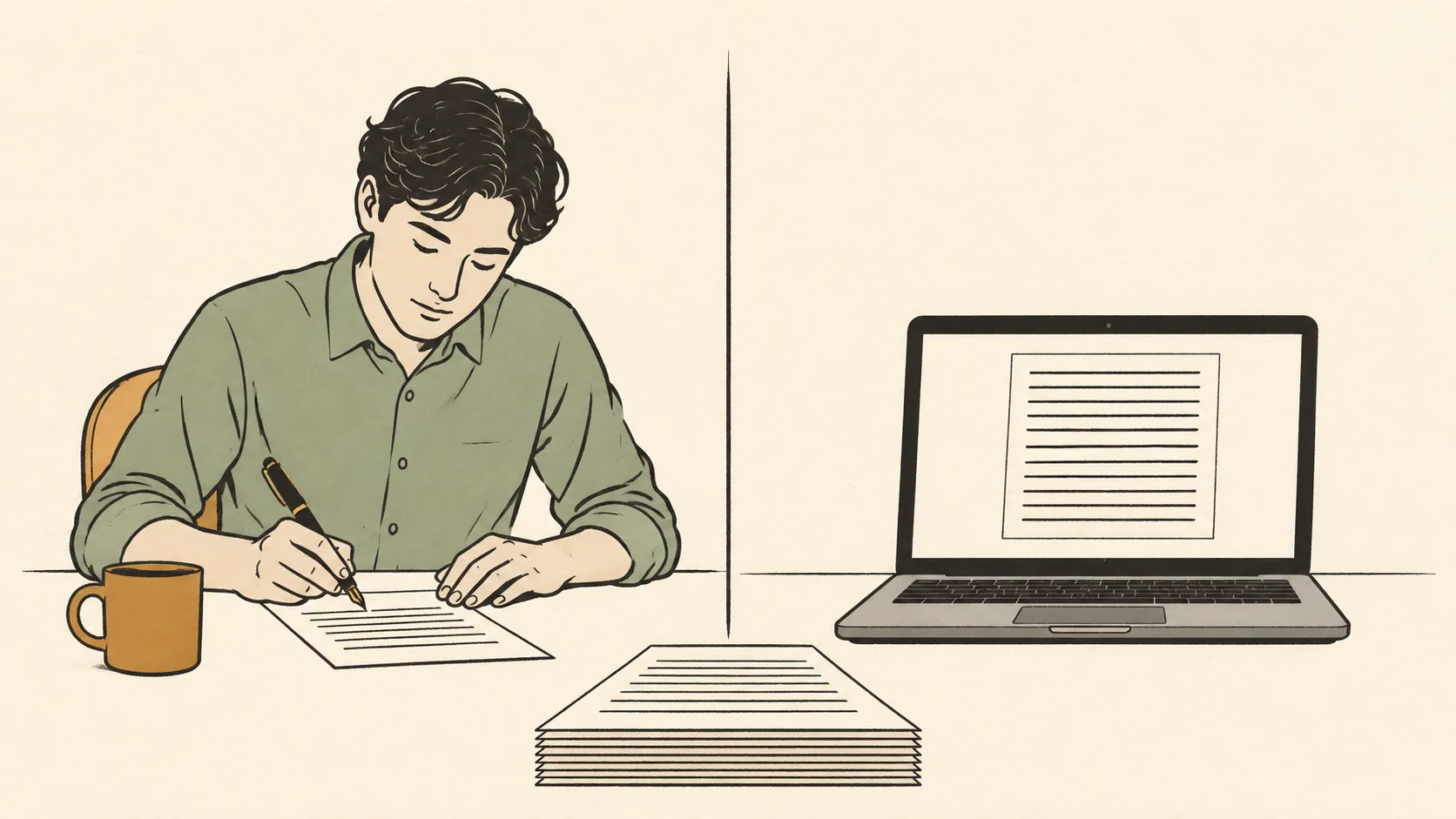
The question is not which one writes better sentences. It is which parts of the job you are actually buying, and which parts stay with you either way.
A generator can produce a competent draft in an afternoon. It cannot produce your cases, your numbers, your taste, or the decision about what the book is willing to say.