
Personal AI & KnowledgeVisited & tested
Musebrain
Build a private AI brain from your own notes and PDFs
ai.musepics.com
What it is
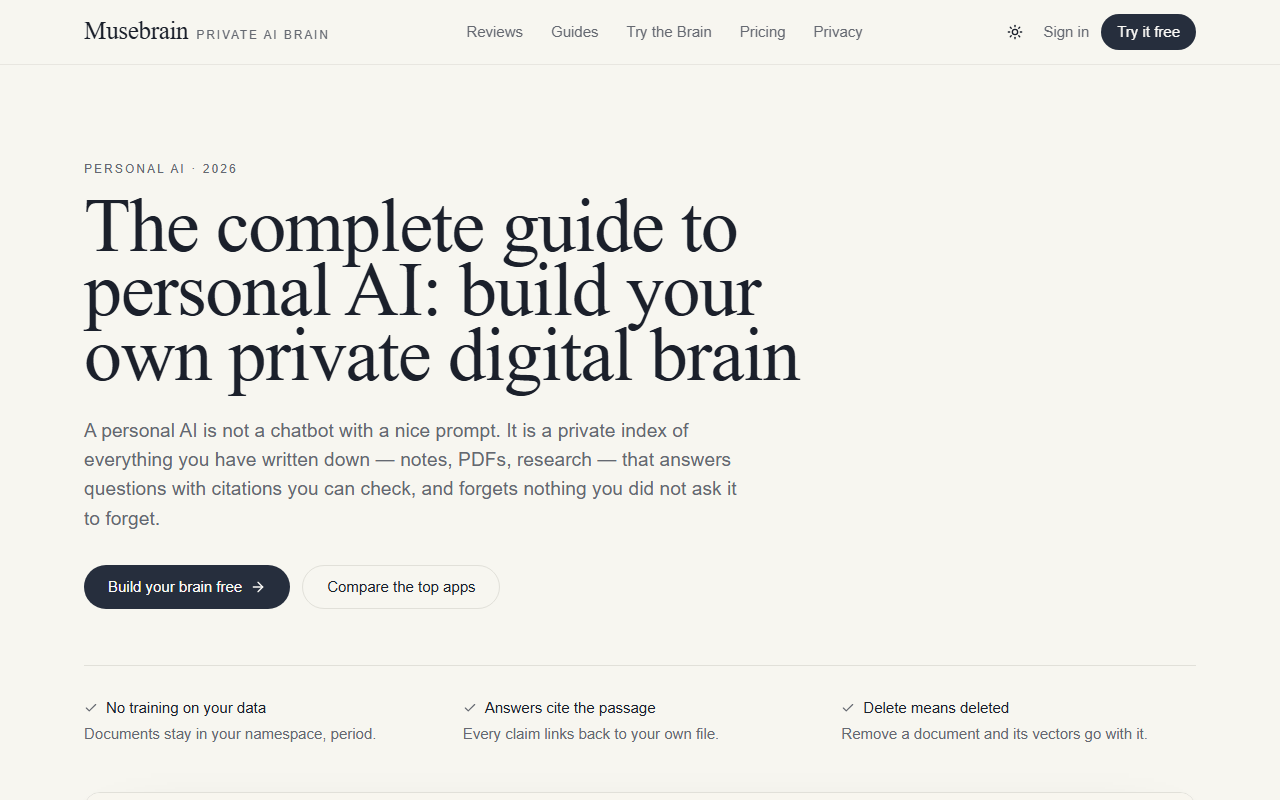
A guide and workspace for personal AI: turn your own documents into a private index that answers with citations, instead of pasting context into a chat box every morning. It covers the four things that actually decide whether a personal AI is worth keeping — privacy, memory, ingestion and latency — and compares the main apps without vendor copy.
What it does well
- Documents stay in your namespace — no training on your data
- Every answer cites the passage in your own file, so you can check it
- Deleting a document takes its vectors with it
- Independent comparisons plus a published how-we-test page
- Practical ingestion: PDF, DOCX, Markdown and CSV go in as they are
Who it is for
- — Asking your own research notes a question months later
- — Recalling what you agreed with a client, with the source email attached
- — Turning a pile of PDFs into something you can interrogate
- — Keeping a private decision log that stays searchable
Pricing
FreeThe guide and the comparison tables are free to read. The workspace has its own free tier.
Musebrain pricingAlternatives
- NotebookLM
Free and citation-first, but tied to a Google account and not a permanent personal index.
- Notion AI
Best if your notes already live in Notion; weaker at ingesting outside PDFs.
Questions
What is a personal AI, really?
- A private index of everything you have written down — notes, PDFs, research — that answers from that store with citations, instead of from the open web.
Is my content used for training?
- On Musebrain’s workspace, no: documents stay in your namespace. The guide also tells you which questions to ask any vendor before trusting them.
Can I export or delete everything?
- Yes — export and one-action delete are treated as requirements, not features. Deleting a document removes its vectors too.
What can I upload?
- PDF, DOCX, Markdown and CSV as they are; reformatting before upload is the fastest way to stop uploading.